
Personal Expenses
Available on the App Store
Know where your money goes
A calm personal ledger for iPhone and iPad — track spending in ISO currencies such as VND, USD, or EUR, stay inside monthly allowances, and keep your records in your private iCloud.

Built for everyday spending
Cofra focuses on expense logging, clear summaries, and private sync — without accounts, ads, or bank connections.
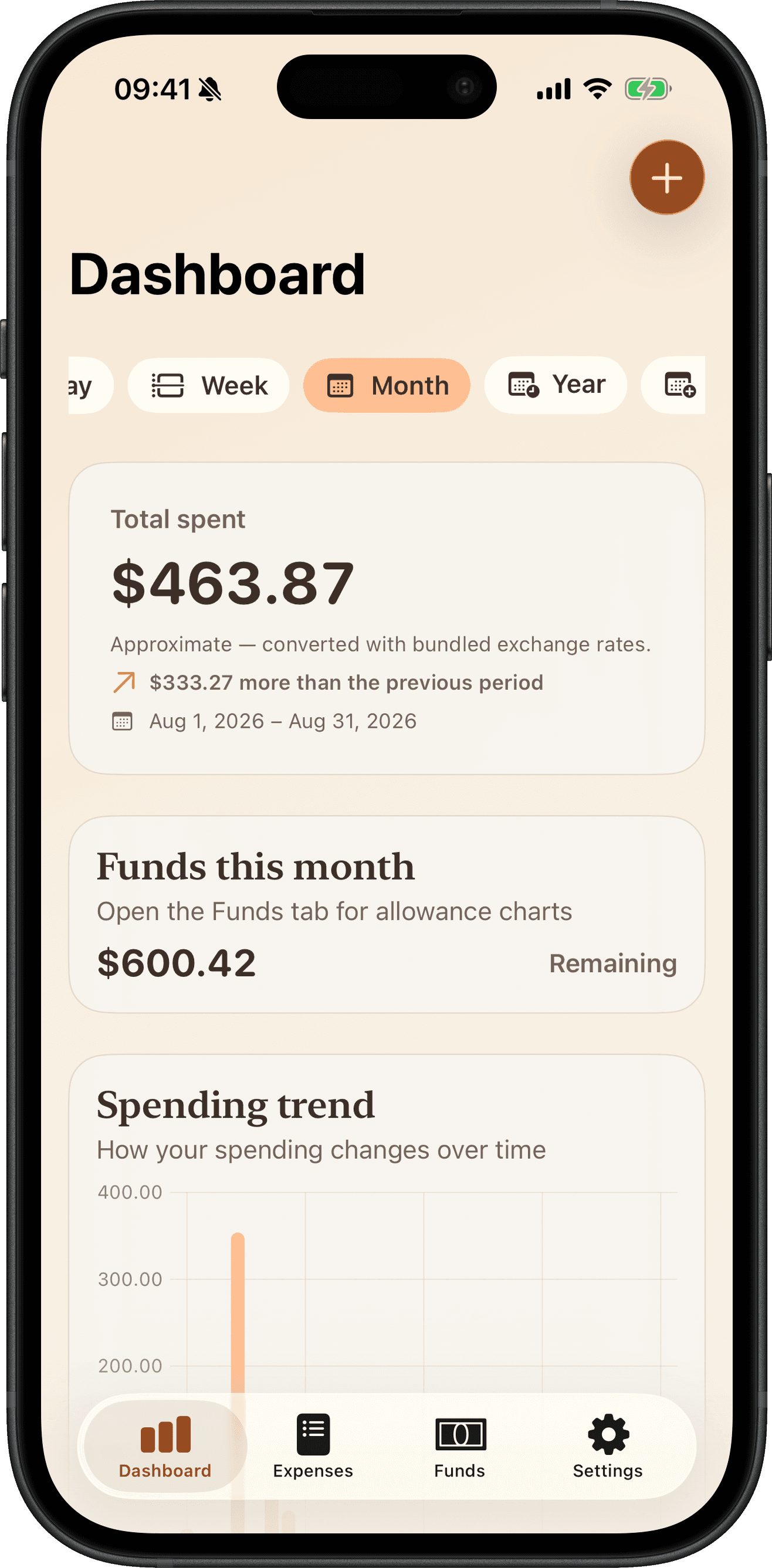
Dashboard
See the period first
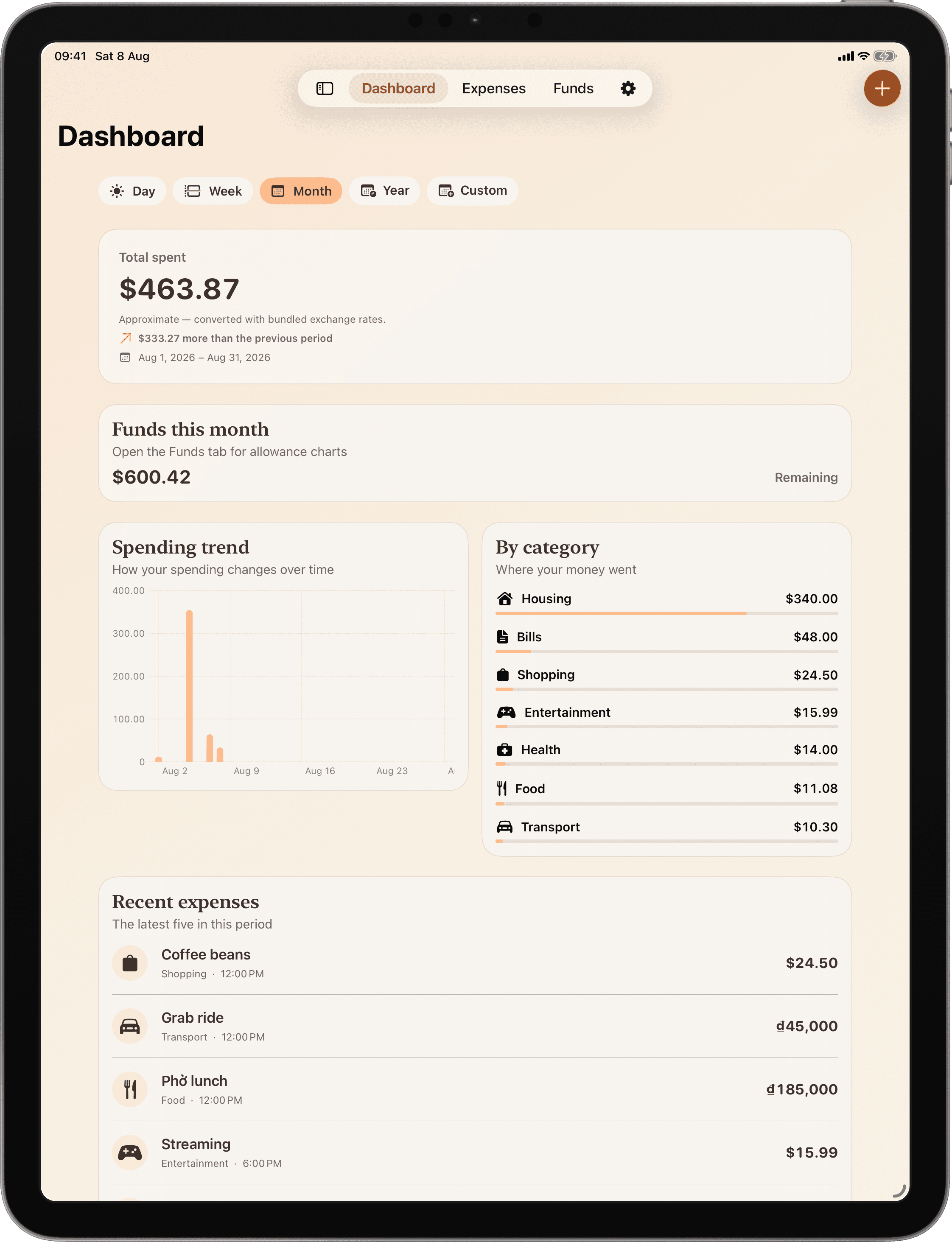
The Dashboard leads with what you spent, how many expenses that is, and how this period compares. Categories come next. The trend chart stays hidden on a single day, and whenever there is not enough spending to draw a trend.
- Day, week, month, year, or a custom range from the top bar
- A time-of-day greeting that does not read an iCloud name
- On iPhone, the tab bar tucks away while you scroll
Multi-currency
Log in the currency you spent
Pick from a validated ISO 4217 catalog. Same-currency ranges show one native total. Mixed ranges stack by stored currency — Cofra does not invent a converted grand total.
- Searchable picker with suggestions and A–Z sections
- Default entry currency from your device locale, otherwise VND
- Native stacked totals instead of display-currency conversion
Monthly funds
Stay inside your allowance
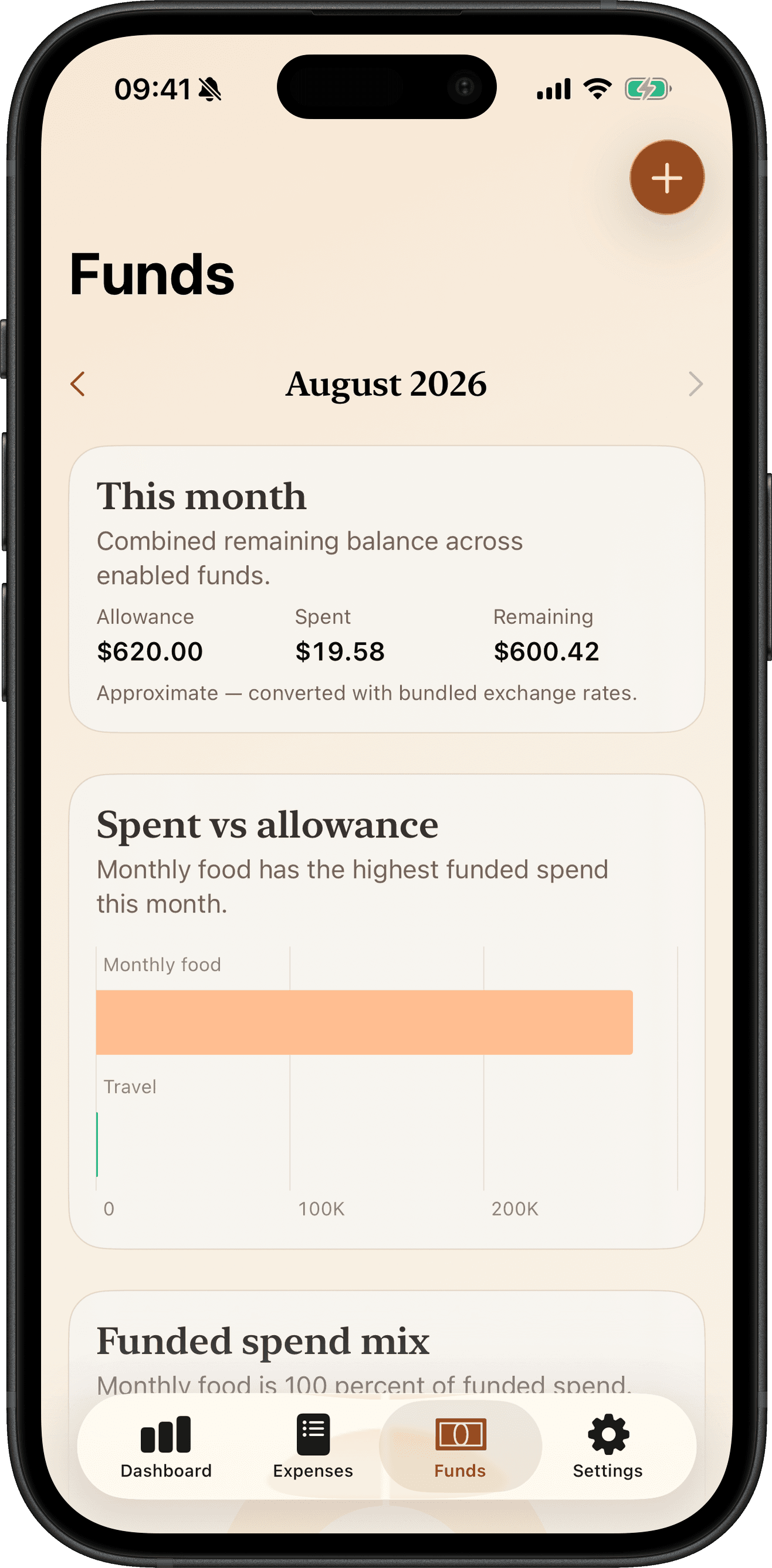
Create monthly spending funds, assign category defaults, and watch allowance, spent, and remaining across the Funds tab — with charts for health, mix, and burn-down.
- Multi-fund allowances with category ownership
- Optional per-expense fund drawdown
- Dashboard teaser that opens the current month
Expenses
Every expense, one calm list
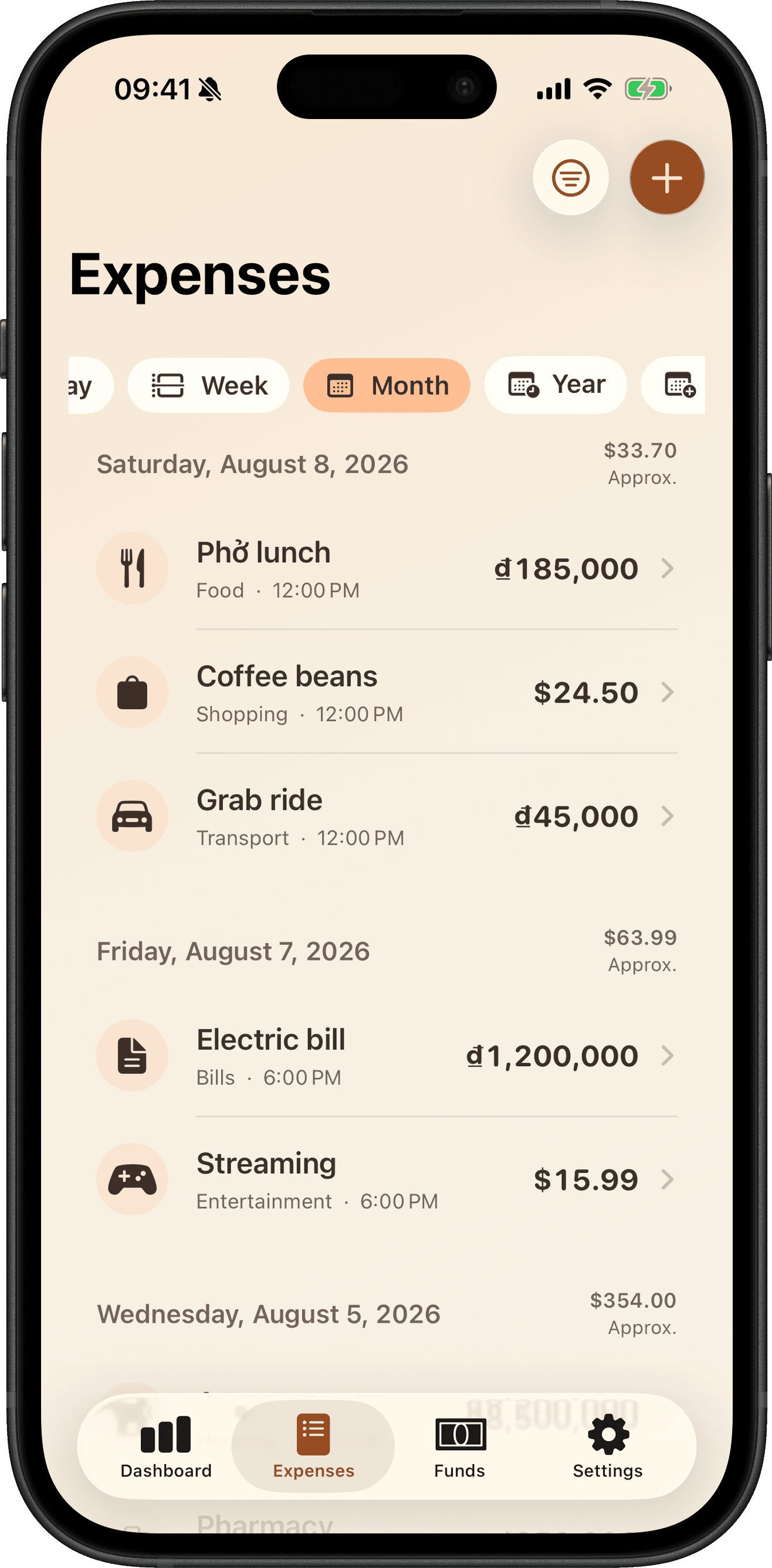
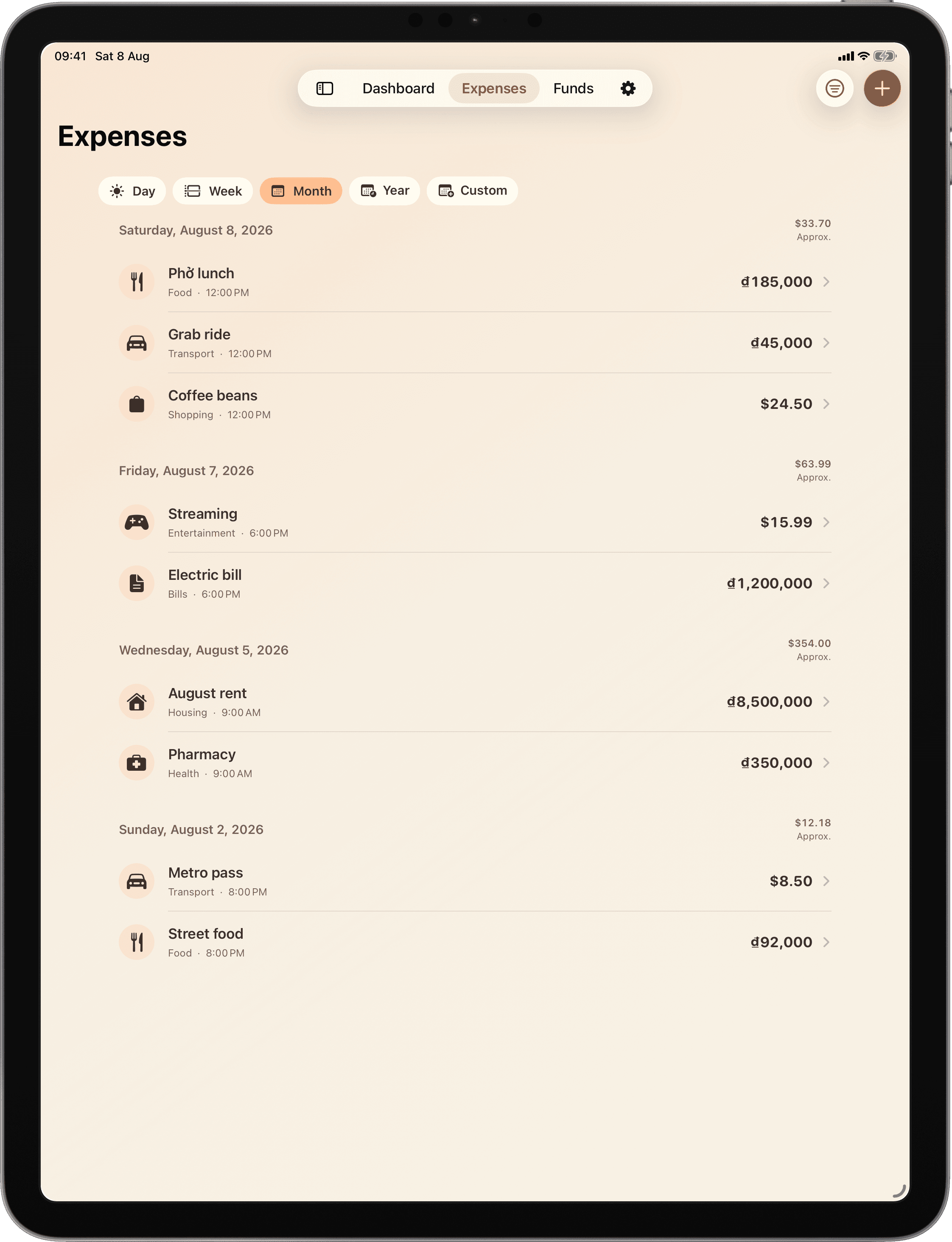
Browse a newest-first list grouped by day. Search by note, category, or fund, then narrow by amount, currency, category, fund, and date — or open any row to edit amount, note, category, fund, and spent-at time.
- On-device search over notes and current names
- Structured filters with a clear-all control
- Day-grouped history with period filters
Quick capture
Log spending when it happens
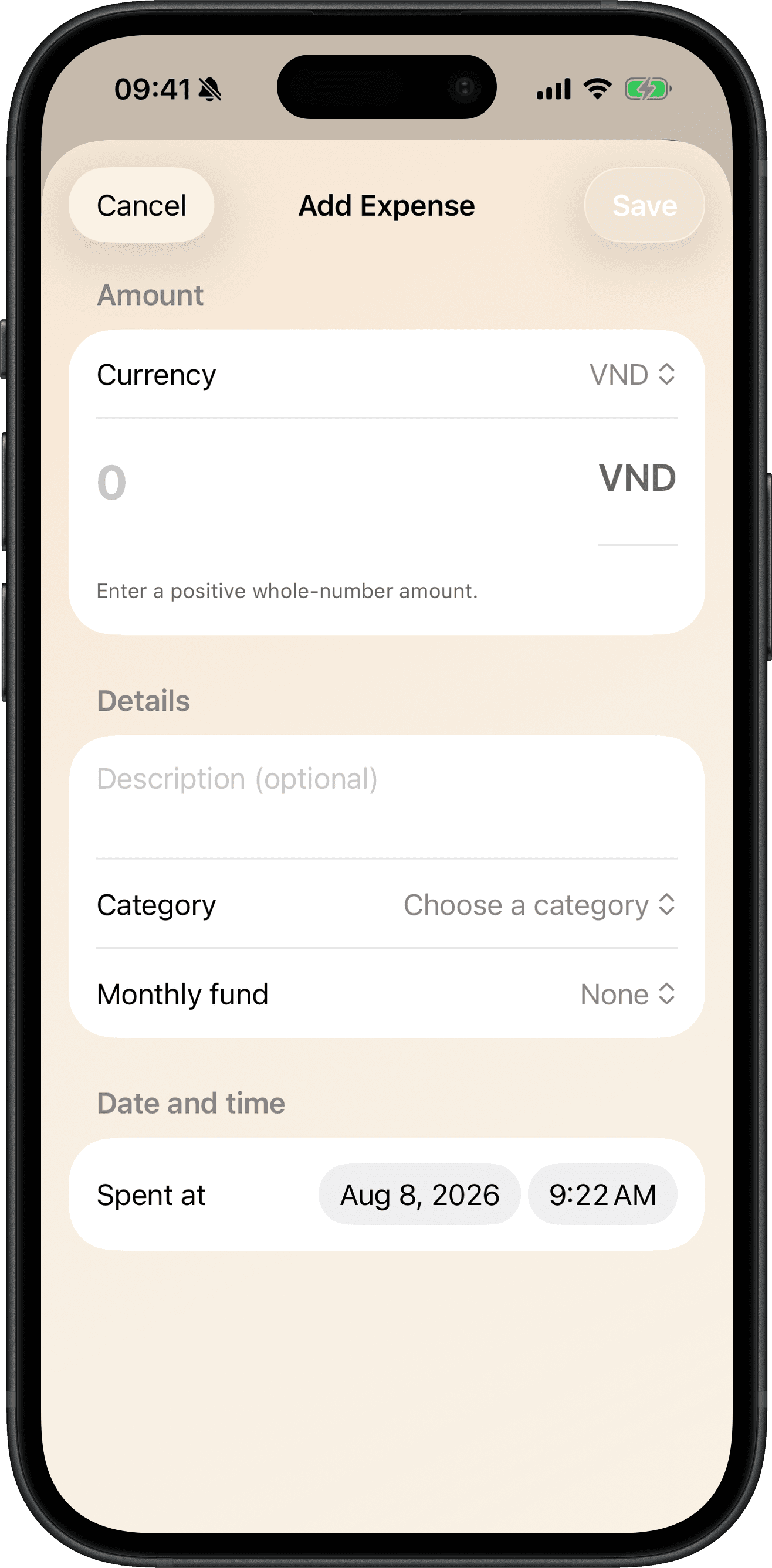
Add an expense from the editor, Control Center, App Shortcuts, or Siri phrases — then review silent background captures with an in-app undo banner.
- App Intents for Log Expense and Add Expense
- Control Center and Siri spending summaries
- Conversational Siri confirmation after capture
Home Screen widgets
Today's total on your Home Screen
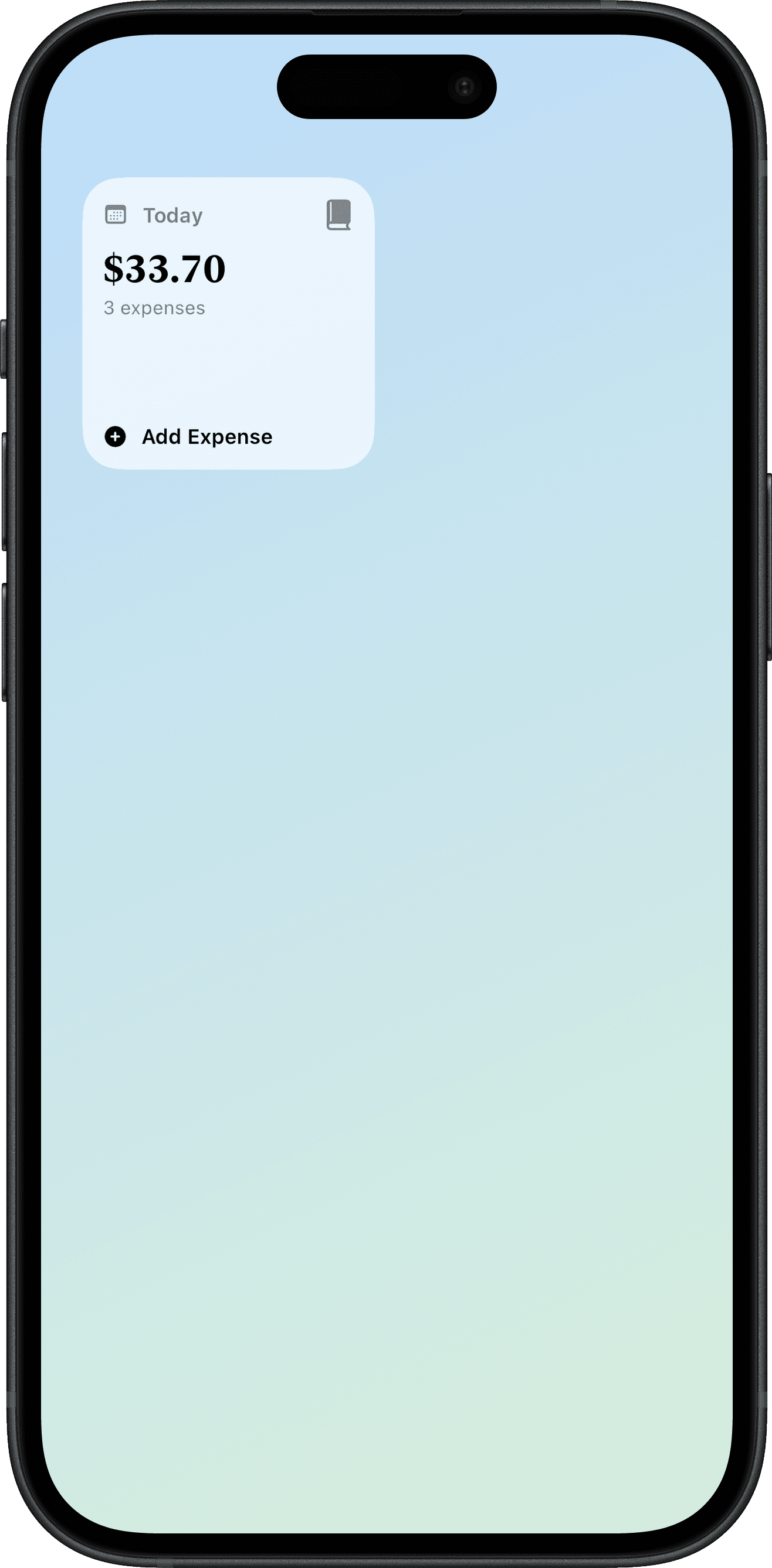
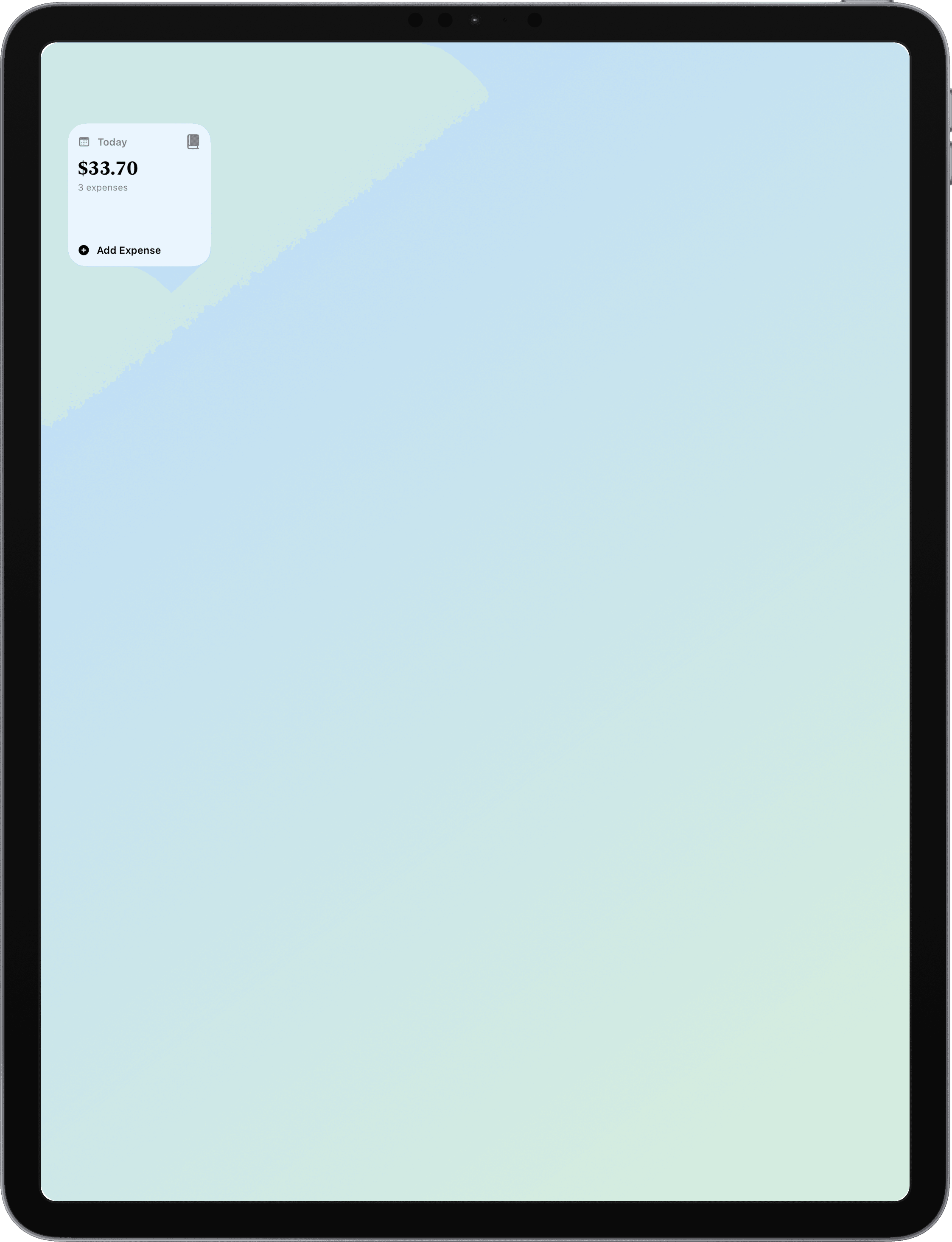
Add a small Cofra widget for a quick read of today's spending. Tap to open Cofra or use Add Expense without launching the app first.
- Small widget with today's total and expense count
- Medium widget with this-month totals and a spending chart
- Large widgets add a seven-day spending view
Medium widget
This month on your Home Screen
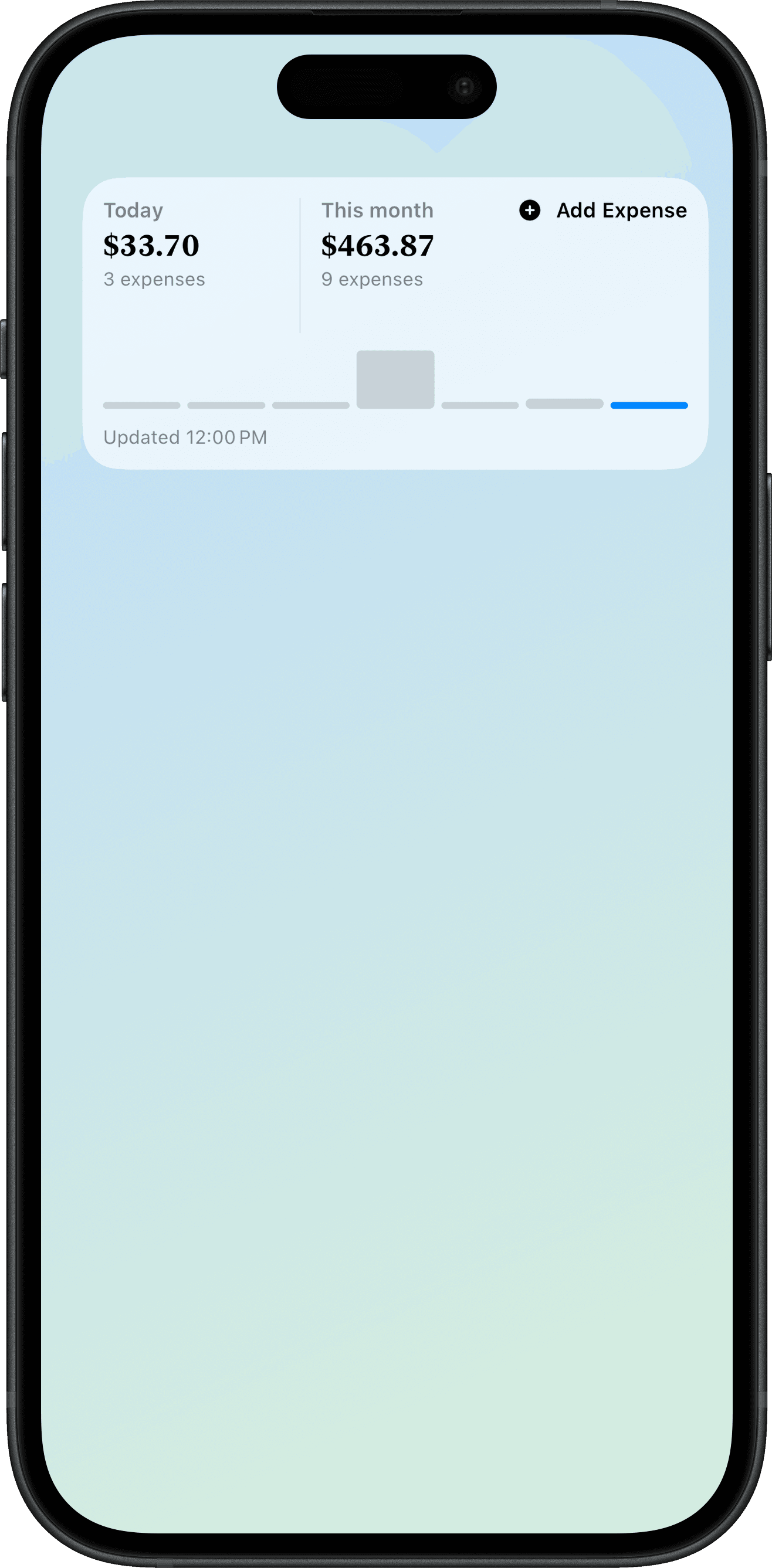
The medium iPhone widget adds this-month totals, expense counts, a recent trend chart, and a last-updated time — with the same tap-to-open and Add Expense shortcuts.
- Today and this-month totals side by side
- Recent spending chart with the current day highlighted
- Add Expense without opening Cofra first
iPad widgets
The same glance on iPad
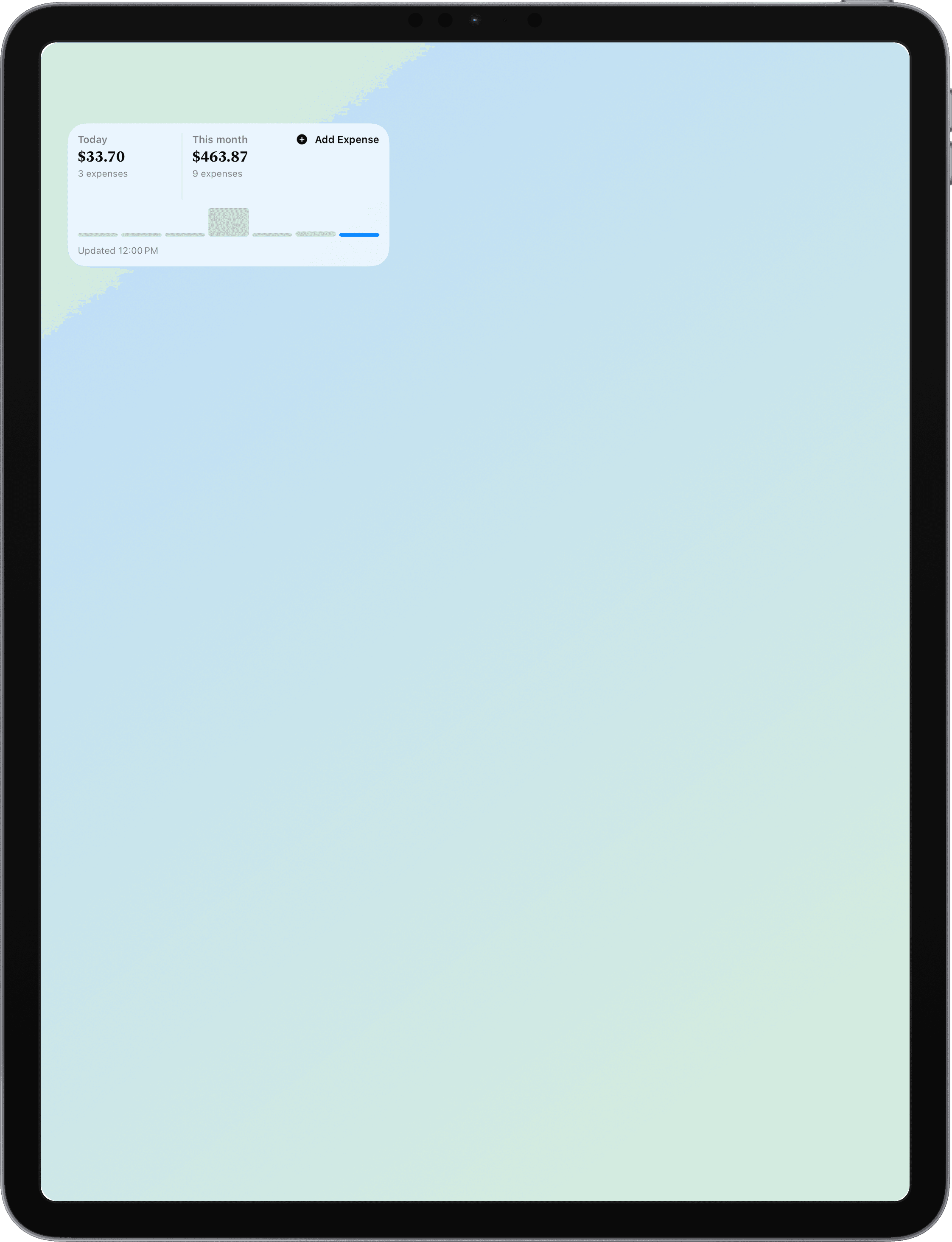
Install Cofra widgets on iPad Home Screen or Today View with today and this-month summaries, a recent trend chart, and the same tap-to-open and Add Expense shortcuts. Extra Large on iPad adds a seven-day spending view.
- Small, medium, and Extra Large widget sizes on iPadOS
- This-month totals with a recent spending chart
- Snapshot updates as your expenses change
Language and appearance
English or Vietnamese
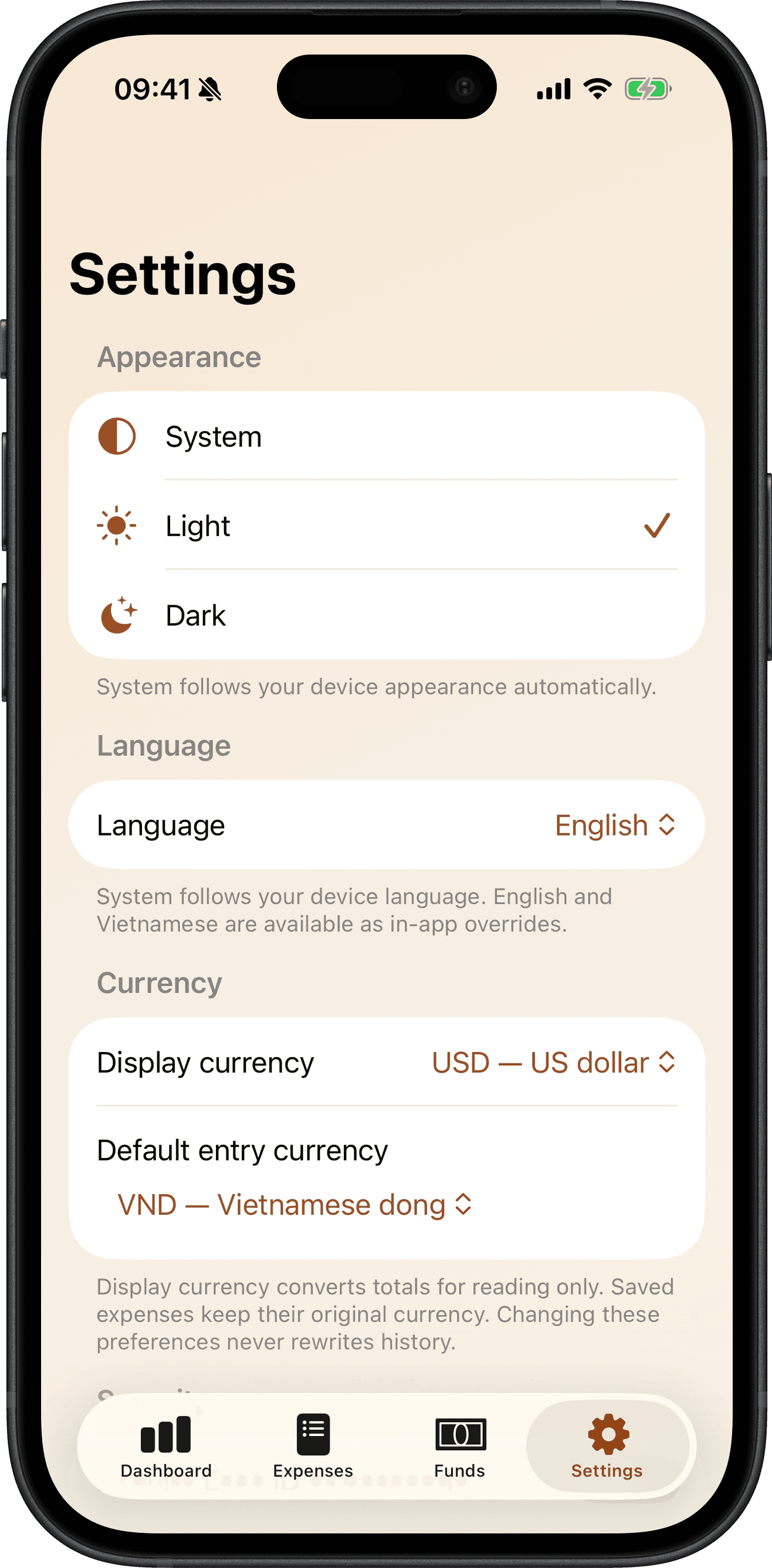
Use System, English, or Vietnamese independently of the device language, and choose System, Light, or Dark appearance on each device.
- In-app language override stored locally
- Per-device appearance preference
- Vintage ledger design with accessible chrome
Privacy
Private by design
Expenses, categories, and funds synchronize through your private iCloud database. There is no Cofra account, no advertising SDK, and no bank connection in this release.
- Private CloudKit synchronization
- Optional Face ID or passcode app lock
- Widget data stays a disposable local snapshot
Private. Simple. Yours.
Cofra 1.4.0 is available for iPhone and iPad on iOS and iPadOS 26 or later, in English and Vietnamese. The Dashboard answers the current period first, totals stay in the currency you saved, and CSV export remains local — import is not included.
Available on the App Store for iPhone and iPad.